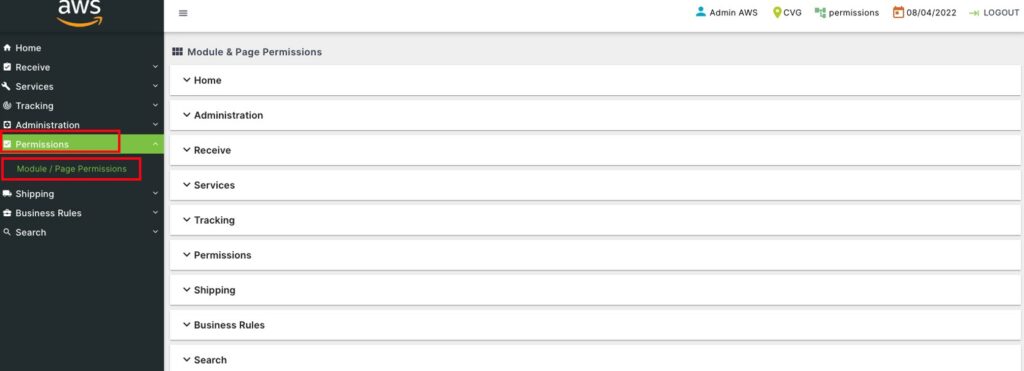
Click on Permissions to open the sub-module list. Choose Module / Page Permissions.
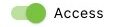
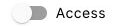
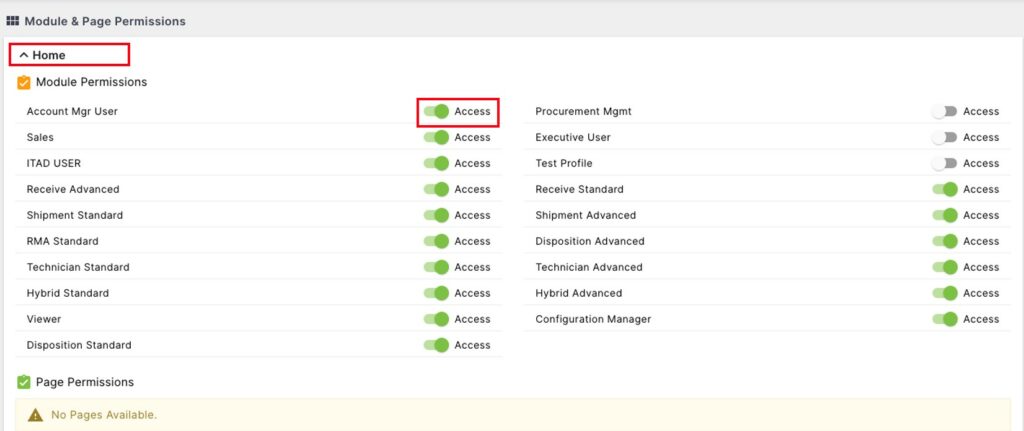
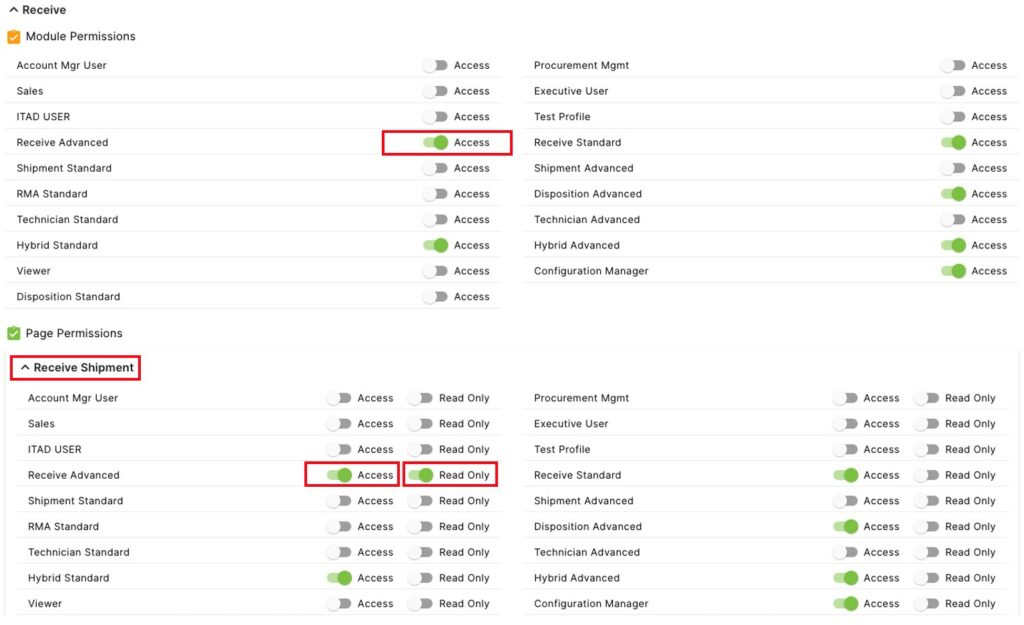
Open the permissions page for the module by clicking on the module name. The Module Permissions () controls the access to the module for each of the profiles. If the Access button next to that profile is green (), the users with that profile have access to the module page. If it is gray () then those users will not be able to access the module.
Page Permissions () controls the level of access, if any, a profile has in the module page. To have access to Pages, the user’s profile must have access to the overall module. In this example, the Receive Advanced profile has access to the Receive Module, and has access () to the Receive Shipment page. In this page, the Receive Advanced profile has Read Only ()access, so they can see the data on the page, but cannot make any changes to it. When Read Only is greyed out ()and the profile does have access to the page (), then that profile can make changes to the data on the page.