This page allows users to view stored business rules.
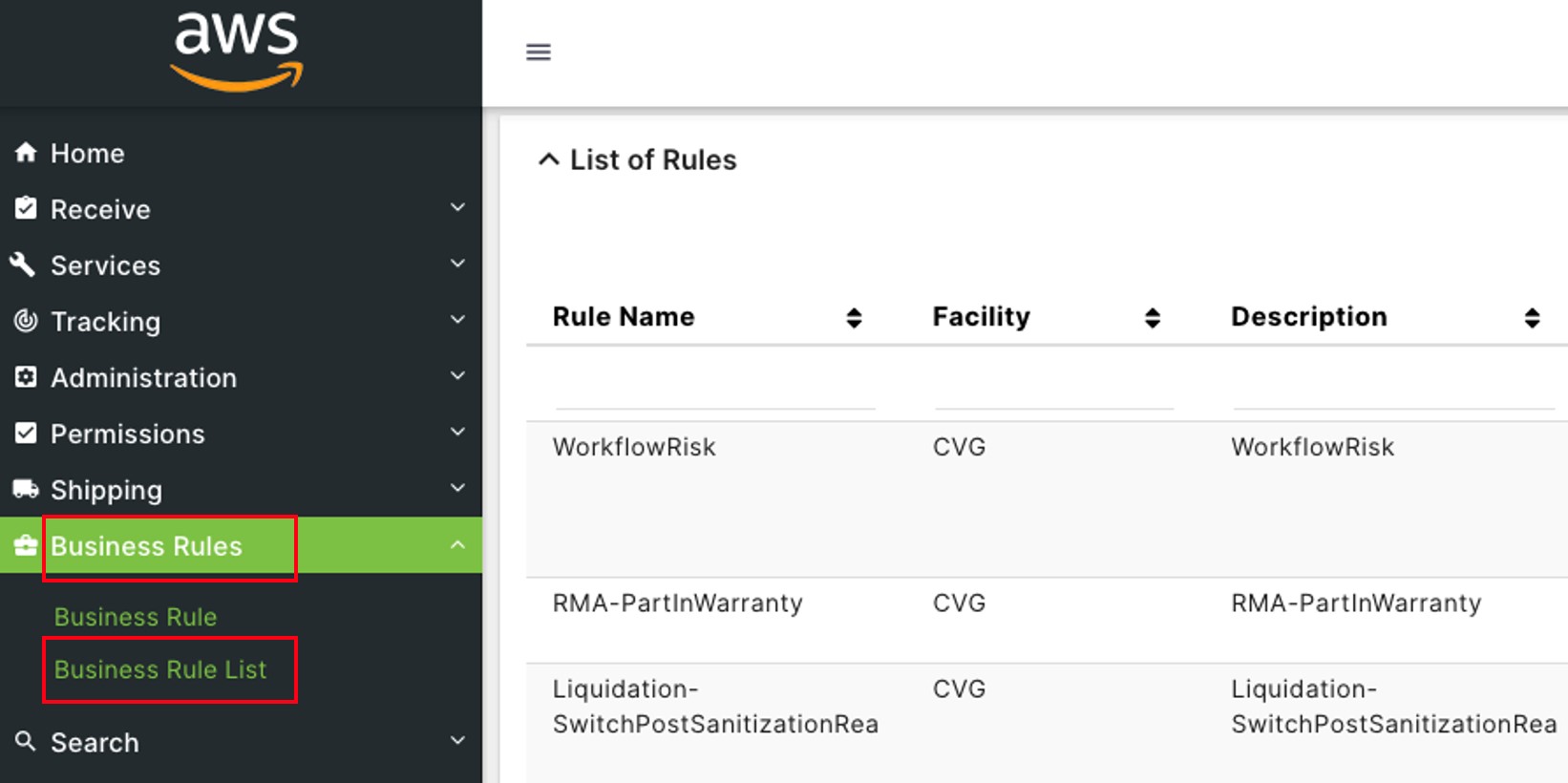
Click on Business Rules to open the sub-module list. Choose Business Rule List to see the saved business rules
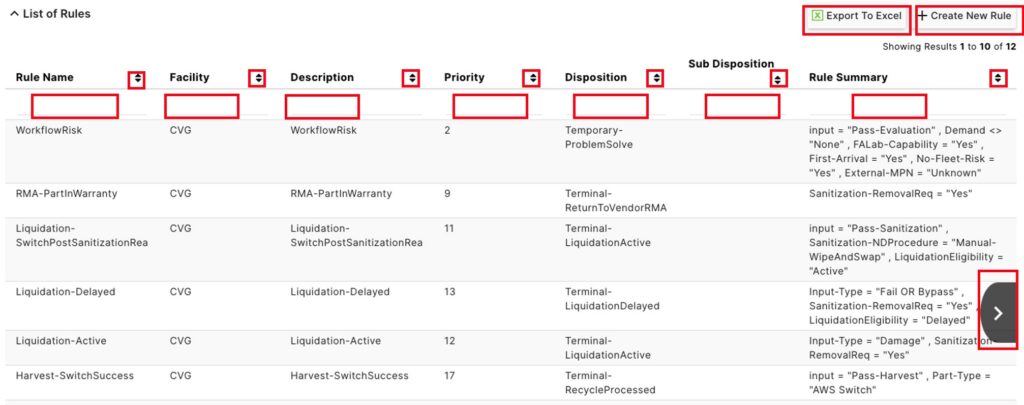
The list of Business Rules will appear on the screen.
Click Export to Excel to download the list.
Click Create Rule to enter a new Business Rule.
In the blank boxes under the Rule Name, Facility, Description, Priority, Disposition, Sub Disposition, and Rule Summary categories, type in the details of the rules to filter the list down by that term.
Next to the category headers, click on the  button to sort the list alphabetically or numerically, from top to bottom or bottom to top.
Click on the  or
or  buttons to see information further to the left or right of the current screen.
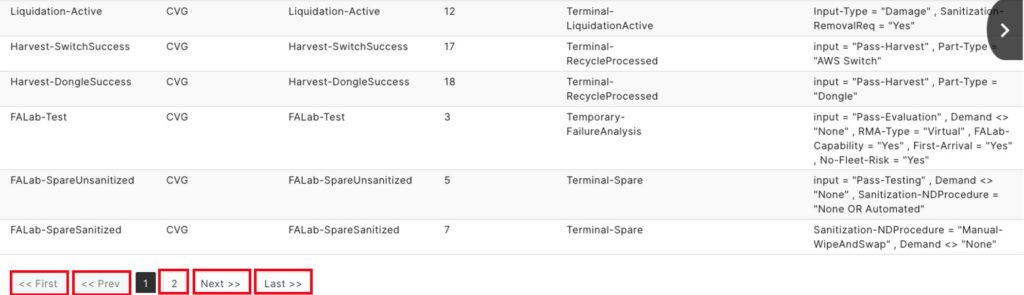
The bottom left holds the buttons to change the Business Rules page.
Click Next to go to the page after the current one. Click Previous to return to the page before. Click Last to go to the final page, and First to go to the original page of rules. Click on the numbers to go to that number page.