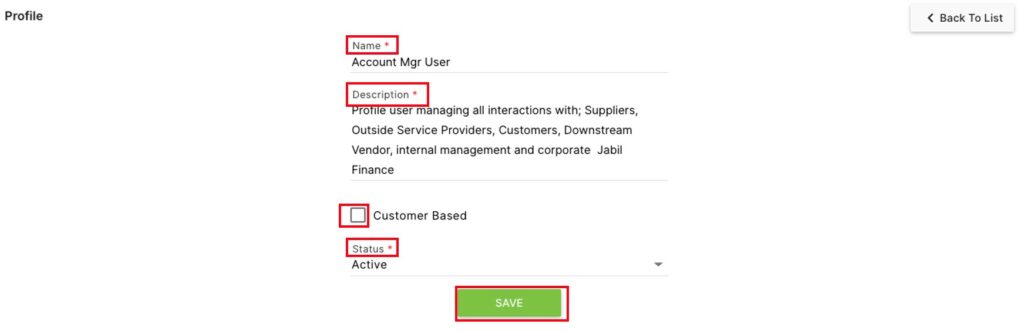
The Profile second level page controls the types of user account profiles in the system.
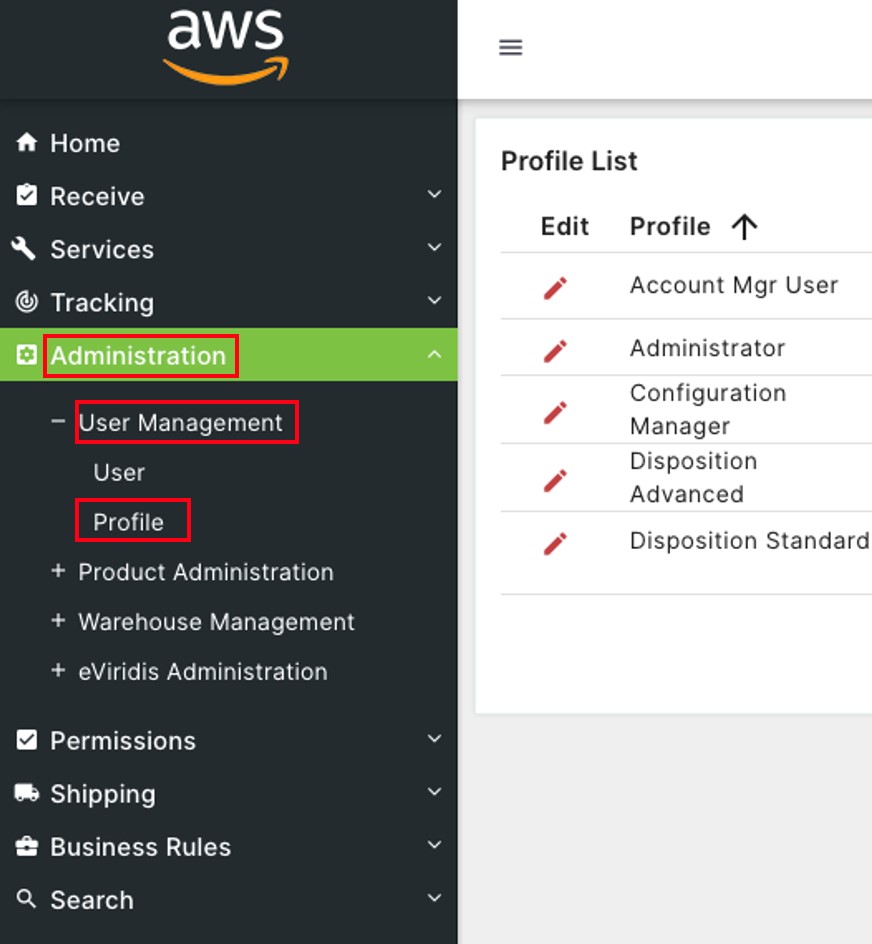
Click on Administration to open the sub-module list. Click User Management to open the second level page list. Choose Profile.
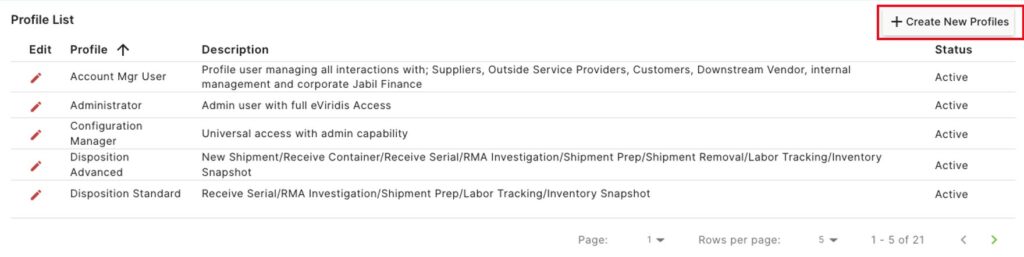
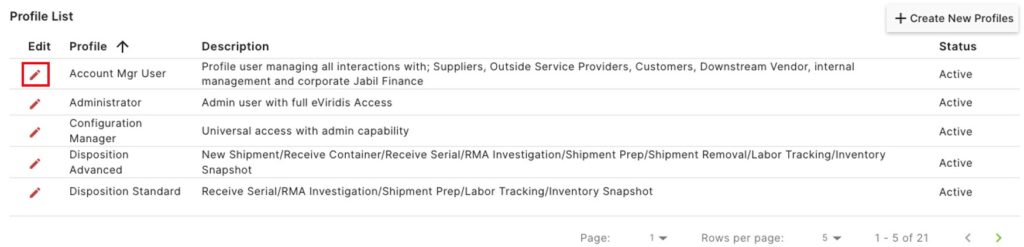
On the Profile List, click + Create New Profile to add a new user profile.
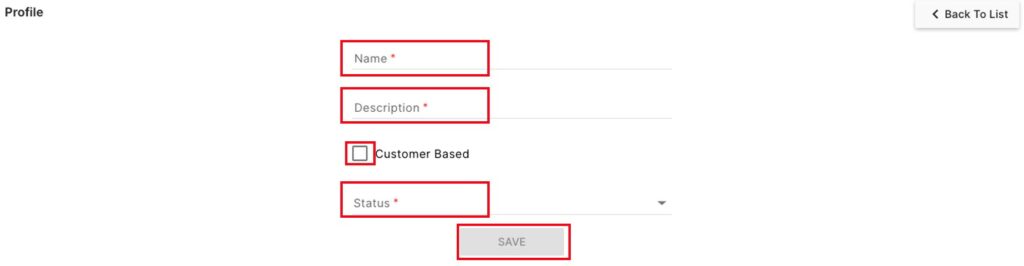
On the Profile page, enter a Name and Description, and choose a Status from the drop-down.
Optionally, click the  check box next to Customer Based if creating a profile for a customer portal.
Click Save to finish creating the new profile
On the Profile List, click on the  button to Edit a profile.
Update any of the fields for this profile (Name, Description, Customer based, or Status), and click Save.